
Required Employee Training
Annual Cybersecurity Awareness Training is required for all faculty (including emeritus) and staff. The training window opens this year on Thursday, Oct. 1, and training must be completed by Thursday, Dec. 31, 2026.
Annual cybersecurity awareness training leads to:
Improved knowledge of cybersecurity threats and best practices.
Reduced cybersecurity incidents.
Increased protection for handling sensitive data.
Meeting essential compliance standards and reducing costs for required cybersecurity insurance.
Your Cybersecurity Checklist
- Protect your @appstate.edu email
- Your email unlocks financial records, grades and personal data—which is exactly why scammers fake official-looking messages.
- Don't click suspicious links or download unexpected attachments.
- Double-check the sender's actual address.
- Be extra cautious of any message demanding urgent action.
- Use strong, unique passwords
- Reusing one password across your school account, streaming apps and banking is an open invitation to hackers.
- Keep passwords confidential.
- Skip anything obvious (birthdays, pet names, "1234").
- Make them unique but memorable to you.
- Turn on two-factor authentication (2FA)
- Duo 2-Factor Authentication is required for all App State students and employees.
- Turn it on for other applications such as banking, email and social apps.
- Never approve a 2FA request you didn't make — even if someone calls, texts or emails asking you to.
- Lock your devices and back up your data
- Use a PIN, password, Face ID or fingerprint on your laptop and phone.
- Enable Find My Device so you can remotely wipe a lost or stolen device.
- Use cloud storage (Google Drive, OneDrive, iCloud) and/or a physical backup.
- Keep devices updated
- Turn on automatic updates.
- Complete recommended security or platform updates.
Additional Resources
Find more learning opportunities and helpful resources:
- National Cybersecurity Alliance speaker series for Oct. (open to all faculty, staff and students)
- LinkedIn Learning (open to all faculty, staff and students)
- KnowBe4 (open to faculty and staff)
- security.appstate.edu
How to Get Help
Suspicious email? Forward it to phish@appstate.edu
Tech support? Call the ITS Help Desk at (828) 262-6266, weekdays 8 a.m.—5 p.m., or submit a support ticket at support.appstate.edu
Personal device help? Drop by the Tech Support Center
- In Boone — Anne Belk Hall, room 140
- In Hickory — room 1414
October is National Cybersecurity Awareness month and App State participates. This year's collective information post is symbolized by a lock rising above other elements on a technical, illuminated grid with the Information Technology Services App State white and gold logo.
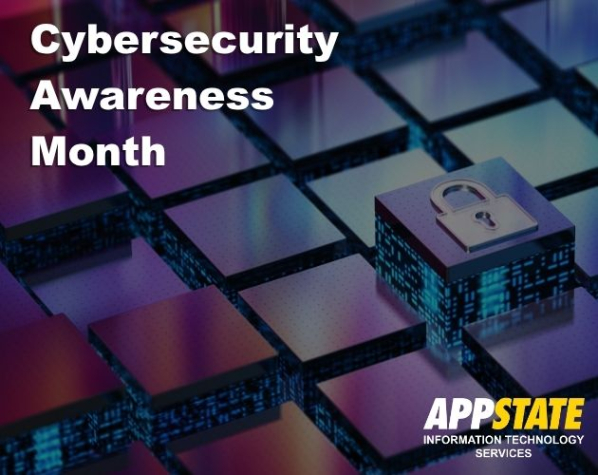
During the month of Oct. App State will launch annual training for faculty and staff, but encourages healthy cybersecurity habits for all with a checklist for safe cyber help along with additional resources for learning and support.